

In the context of our previous post in which we talked about cloud-based AI, we wanted to explore its application from a more practical point of view, focusing on how generative models like GPT can be embedded directly into mobile applications to create immediate value for users.
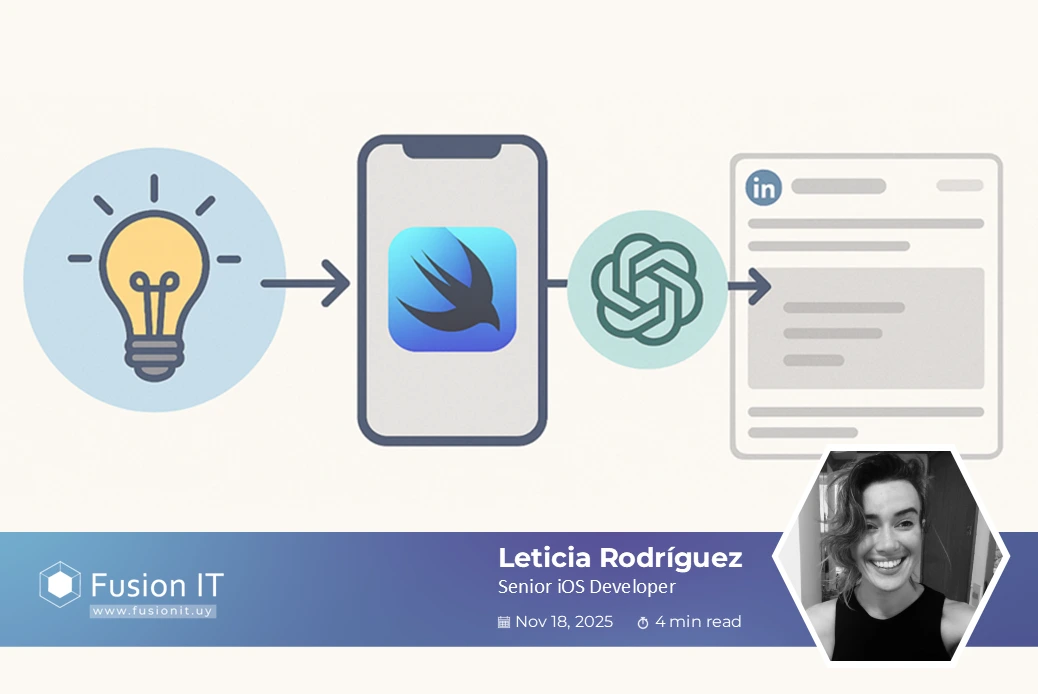
As part of that exploration, we built a proof-of-concept (PoC) app that transforms simple ideas into full LinkedIn posts, powered by OpenAI’s GPT-3.5 Turbo and built entirely with SwiftUI.
The goal was to understand how tools like OpenAI’s GPT-3.5 can be integrated in mobile flows to generate value-added content, with minimal user input and clear UX.
What does the PoC do?
The app allows a user to:
- Enter a short idea or topic (e.g., “Remote work and team productivity”)
- Select a tone (e.g., professional, casual, persuasive, friendly)
- Tap “Generate”, and receive a well-structured, English-language LinkedIn post between 150–250 words
The result is displayed in the app, ready to be copied or shared.
Bonus: Hashtag Generation
We wanted to give users a little something extra, so we added automatic hashtag recommendations at the end of each generated post.
To achieve this, we simply modified the prompt sent to the GPT API:
Write a LinkedIn post in English about “[topic]” in a [tone] tone. Include 3–5 relevant hashtags at the end
Technical Notes
- SwiftUI was used to build the UI, enabling quick iteration and clean state management
- Swift as a programming language
- URLSession handles the connection to the OpenAI API (chat/completions endpoint).
Posts are rendered using a line-by-line breakdown to ensure emojis and newlines display correctly
GPT API
Although this PoC focuses on content creation, the same API opens the door to many other practical use cases:
- Rewriting content with different tone and audience
- Auto-generating replies to social content or internal messages
- Summarizing long-form text or meeting transcripts
- Classifying or tagging user-generated content
- Translating and correcting text in multiple languages
These features can be used without training custom models, just smart prompt engineering and context handling
Outcomes and Next Steps
This PoC helped us:
- Validate GPT integration in a native iOS environment
- Test response formatting and user interaction patterns
- Explore how AI-generated content might fit into a real publishing workflow
- Lay the groundwork for broader use of generative AI in mobile product design
Future iterations may include:
- LinkedIn API integration for direct posting
- Draft saving and history
- Analytics and user feedback on generated content
Demo: See the PoC in Action
To better illustrate how this PoC works in practice, here’s a short screen recording showing the app generating a LinkedIn post from a simple input, including hashtag recommendations and the “Share on LinkedIn” button.
The user enters a topic, selects the tone, and instantly receives a polished post with relevant hashtags, ready to share with just one tap!
Final Thoughts
This PoC allowed us to quickly validate how an AI tool can be integrated into a mobile app in a controlled and practical way, delivering real value to the user without requiring complex infrastructure.
It also opened the door to further explore how generative models can be applied to other processes, from content creation to automated support.
This experiment is part of a broader effort to bring practical, user-centric AI into our products, not as a trend, but as a tool that supports real use cases.
By combining mobile-first design with generative capabilities, we’re building experiences that go beyond automation, they assist in communication, content, and creation.
Sometimes it’s not about building a full AI product, it’s about finding the right entry point where AI quietly empowers the user and user experiences.